This page can be found at https://bit.ly/zumobots
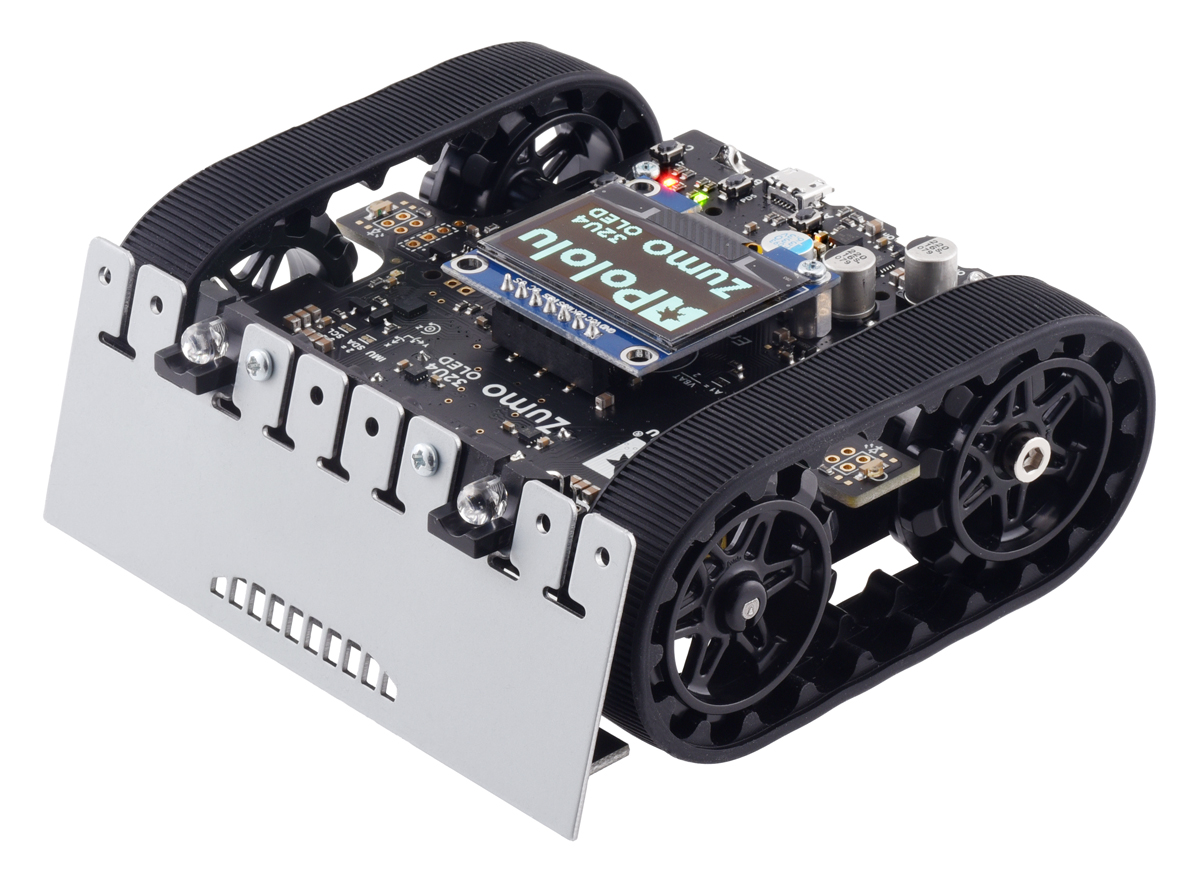
Connecting to the Zumo Bot
<aside>
💡 The arrows below are dropdown toggles. Each have more info if you click on them.
</aside>
- Connect your Zumo bot with a micro USB cord to a Windows, Mac, or Linux computer
- Install the Pololu A-Star Library
- Windows ONLY: Download Drivers https://pololu.com/product/4991/resources
- Add Additional boards URL: https://files.pololu.com/arduino/package_pololu_index.json
- Add the Zumo bot to your boards listing
- Connect to the bot - START HERE if you are at a Circuit Launch Workstation
Run Example Programming
- Load an example sketch from the Zumo Library
- Upload the sketch to the robot
Challenge #1
Run and understand generally what 5 example sketches do with the Zumo Bot
Challenge #2
Find a sketch that will be suitable for a competitive Sumo Bot match